Singapur Visa Photo: Size, Requirements & Free Maker
 Singapur
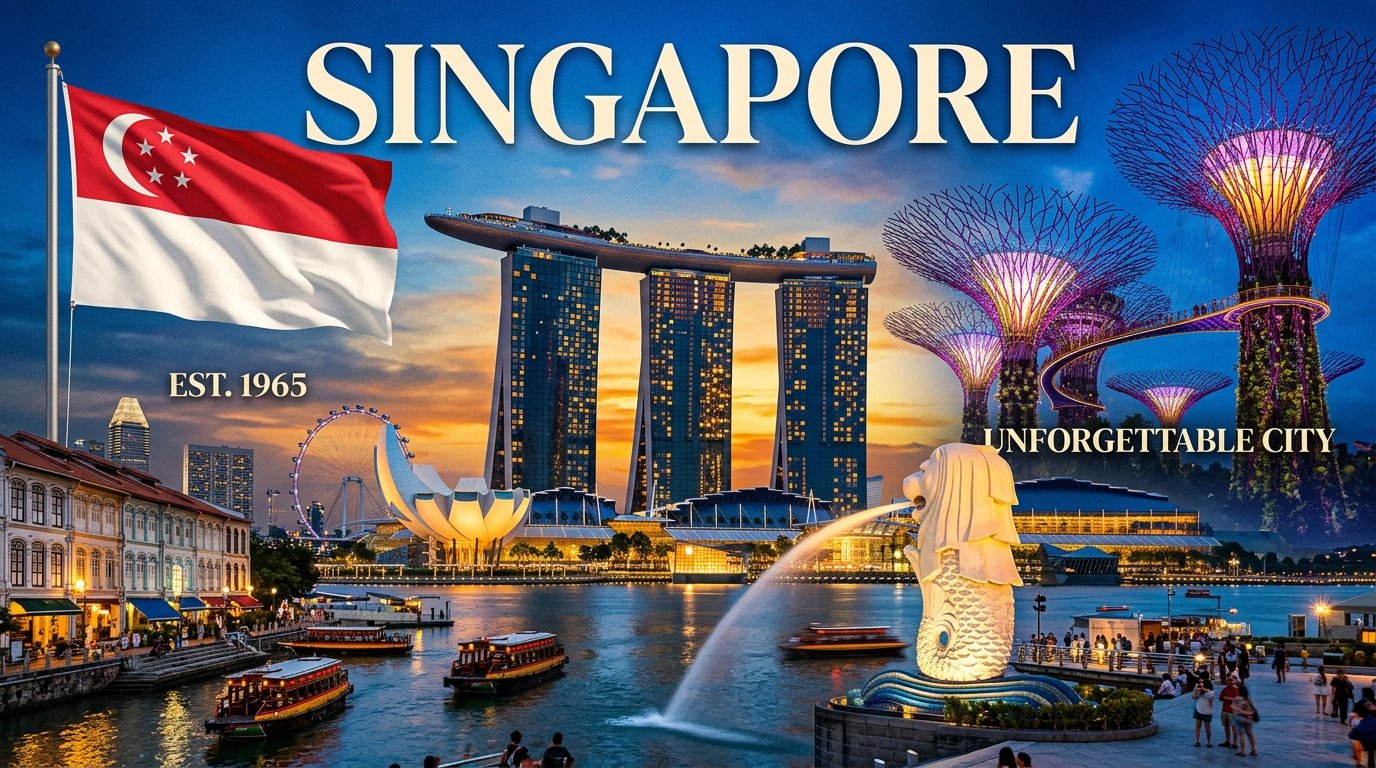
Marina Bay Sands · Merlion · Gardens by the Bay
⚡ Wichtigste Anforderungen auf einen Blick
✓ Consular VerifiedOfficial visa photo requirements for Singapur require a printed physical size of 1.38 × 1.77 inches (35 × 45 mm) or a digital resolution of 400×514 to 1200×1542 px in JPEG format under 2 MB (2048 KB). The background must be plain solid white with no shadows. VizaPics crops and formats your image directly in your browser with zero server uploads.
| Printed Size | Digital Resolution | Max File Size | Format | Background |
|---|---|---|---|---|
| 1.38 × 1.77 inches (35 × 45 mm) | 400×514 to 1200×1542 px | 2 MB (2048 KB) | JPEG | plain solid white with no shadows |
Foto online im Browser erstellen
Take or upload your photo
Position yourself in front of a plain background with even lighting. Your photo stays in your browser.
📋 Tabelle der biometrischen Spezifikationen
| Kriterium | Vorgabe | Details & Konsulatsnotizen |
|---|---|---|
| Printed Dimensions | 1.38 × 1.77 inches (35 × 45 mm) | Official physical photo size for consular submissions. |
| Digital Resolution | 400×514 to 1200×1542 px | Required pixel resolution for online application portals. |
| File Format | JPEG | Standard digital file format. |
| Maximum File Size | 2 MB (2048 KB) | Upload limit for official portal submissions. |
| Background Color | plain solid white with no shadows | Plain and shadow-free background. |
| Head Proportion | 32–35 mm (chin to crown (32–35 mm)) | Head centered vertically within biometric guidelines. |
| Eyeglasses Policy | No eyeglasses allowed | Glasses prohibited to eliminate reflections and glare. |
| Photo Recency | Within the last 3 months | Must represent current physical appearance. |
📸 So gelingt das Foto zu Hause
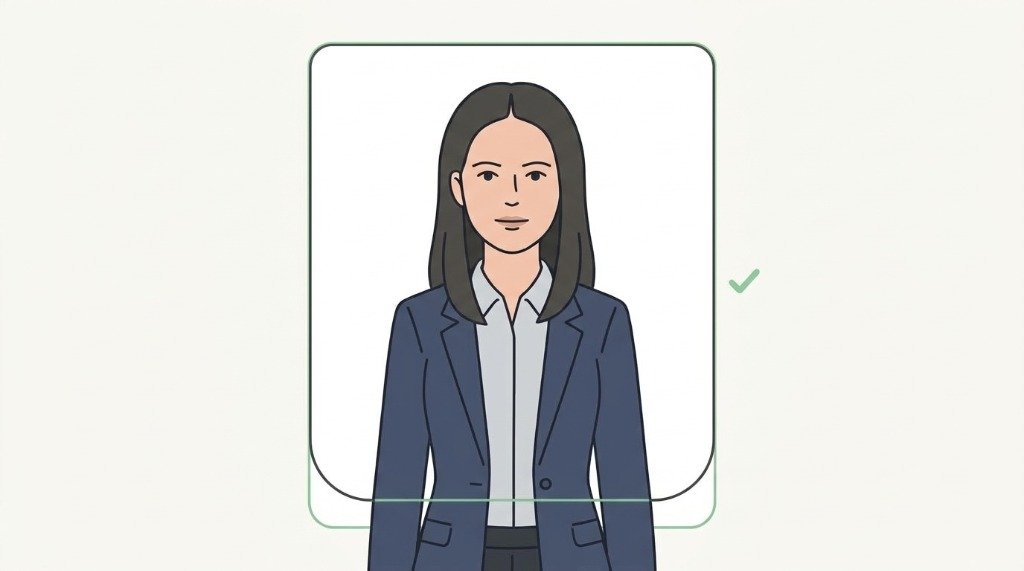
1. Einfarbiger heller Hintergrund
Stellen Sie sich vor eine glatte, helle Wand ohne Schatten oder Muster.
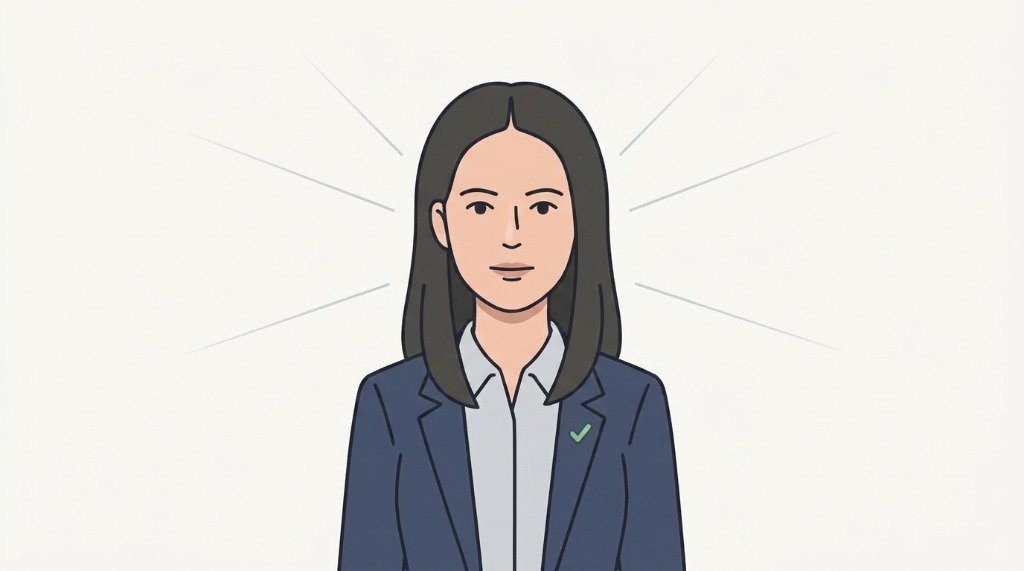
2. Gleichmäßige Beleuchtung
Nutzen Sie Tageslicht ohne harte Schatten unter Kinn, Nase oder Augen.
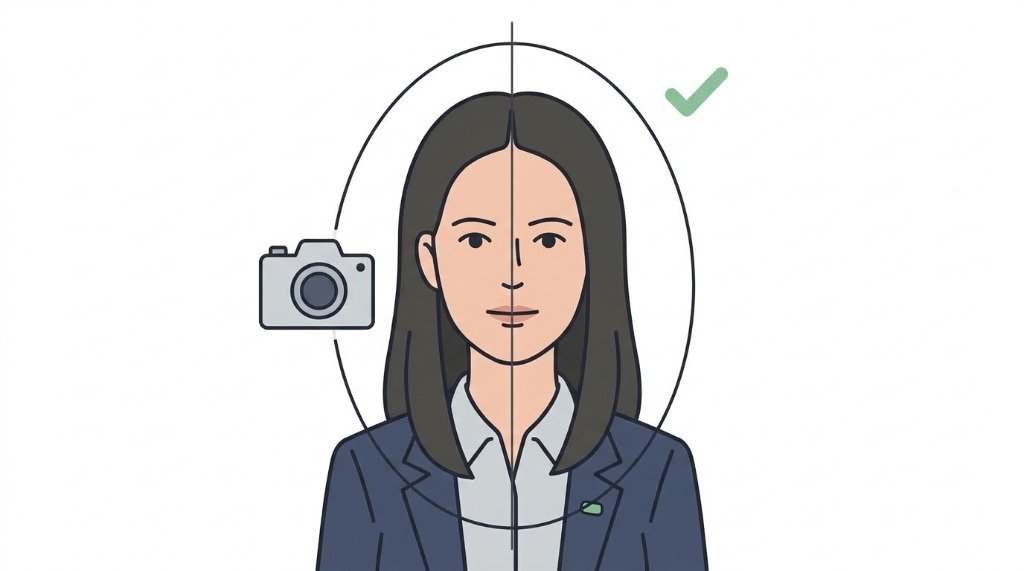
3. Gerade in die Kamera blicken
Blicken Sie frontal mit geraden Schultern direkt in das Kameraobjektiv.
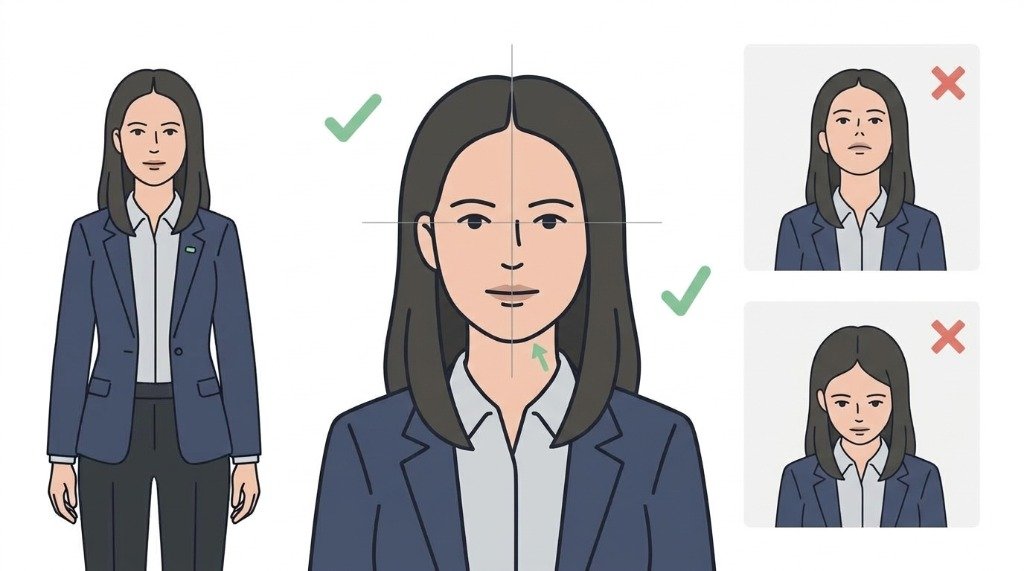
4. Kinn waagerecht halten
Halten Sie das Kinn waagerecht. Kopf weder nach oben, unten noch seitlich neigen.
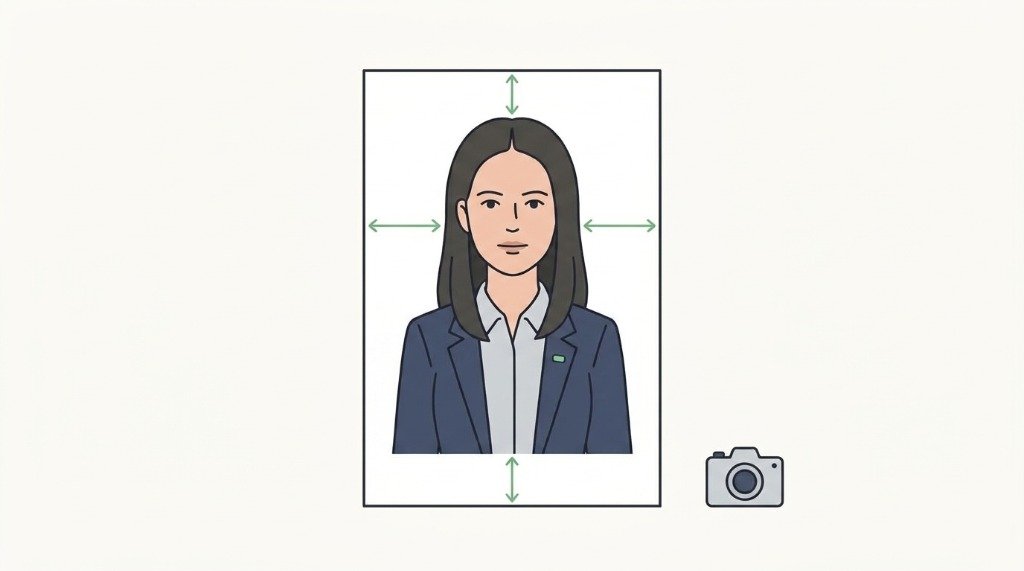
5. Neutraler Gesichtsausdruck
Entspannter, neutraler Blick mit geschlossenem Mund ohne Lächeln.
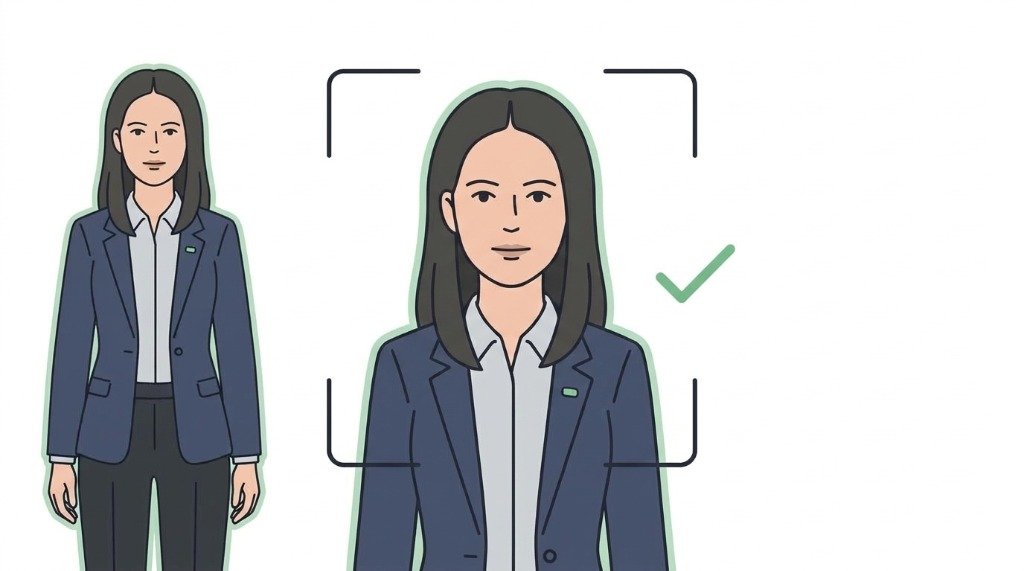
6. Keine Filter oder Retuschen
Verwenden Sie keine Weichzeichner oder Filter. VizaPics passt die exakten Maße an.
⚠️ Häufige Ablehnungsgründe & Lösungen
- ⚠️ photo older than 3 months
- ⚠️ shadows on background or across face
- ⚠️ hair covering eyes, eyebrows or face sides
- ⚠️ smiling or open mouth expression
- ⚠️ wearing white clothing blending into white background
🖨️ Drucken auf 10×15 cm (4×6 Zoll) Fotopapier
Embassies require original photographic paper prints rather than inkjet home paper. VizaPics generates a calibrated 4×6 inch (10×15 cm) printable photo collage with clean cut guidelines.
💬 Häufig gestellte Fragen (FAQ)
Welche Größe hat ein Singapur-Visumfoto?
Ein Singapur-Visumfoto muss 35×45 mm messen (Kopfhöhe 32–35 mm). Digitale Uploads erfordern mindestens 400×514 Pixel.
Welcher Hintergrund ist für Singapur-Visa erforderlich?
Ein rein weißer Hintergrund ohne Schatten ist Pflicht.
Wie aktuell muss das Singapur-Visumfoto sein?
Die ICA Singapur verlangt ein Foto, das nicht älter als 3 Monate ist.
Darf man weiße Kleidung auf dem Singapur-Visumfoto tragen?
Nein. Tragen Sie dunkle Kleidung, damit sich die Schultern deutlich abheben.
Sind Brillen auf Singapur-Visumfotos erlaubt?
Brillen ohne Reflexionen sind erlaubt, das Abnehmen wird dringend empfohlen.
🏛️ Offizielle Regierungsquellen
The data on this page is verified directly against government and consular portals.