01
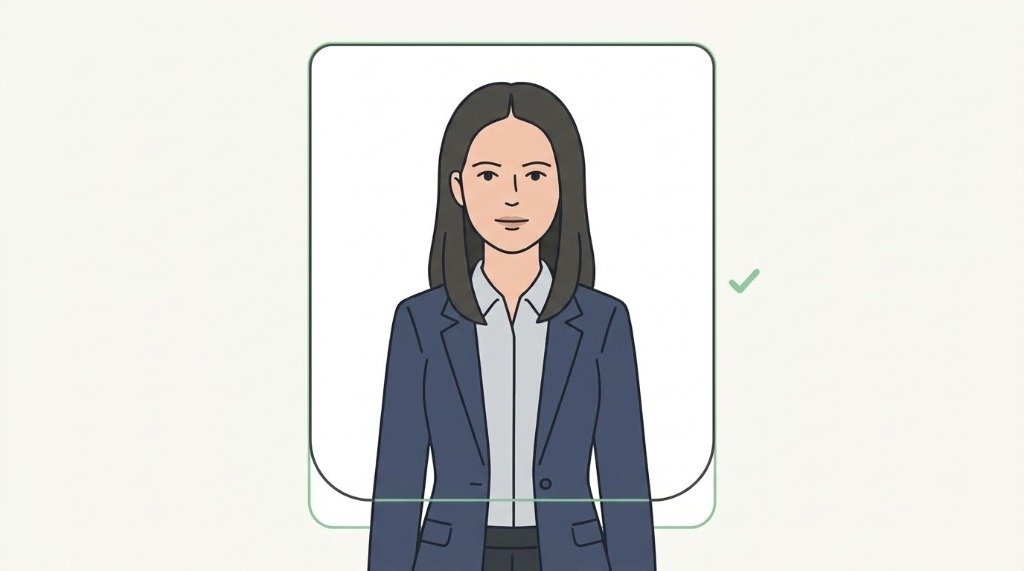
Plain background
Use a plain, light wall. Avoid patterns, textures, shadows, and objects behind you.
Get your visa photo right.
Take a photo or upload one. VizaPics helps you prepare the crop, size and framing for your destination — without sending your photo to a server.
Choose your preferred language from 12 options.
Select your desired destination from 60 countries.
Use the photo guide below for tips, then snap or upload.
Your photo is prepared. Download instantly — no cost!
The right photo starts with the right application. Select your destination and photo type, then take or upload your image.
For the best result, use a plain light background, even lighting and keep your chin level.
Published visa & passport photo sizes for international destinations classified across 6 global regions.







Simple visual instructions make it easier to get the basics right — wherever you are and whatever language you speak.
Use a plain, light wall. Avoid patterns, textures, shadows, and objects behind you.
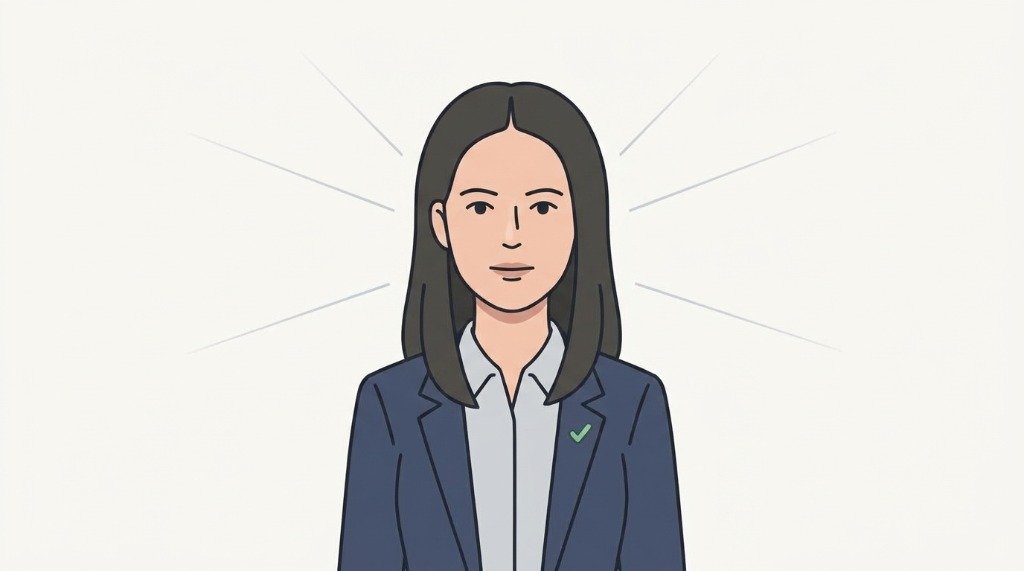
Face a window or soft light. Avoid harsh sunlight, strong shadows, or uneven brightness.
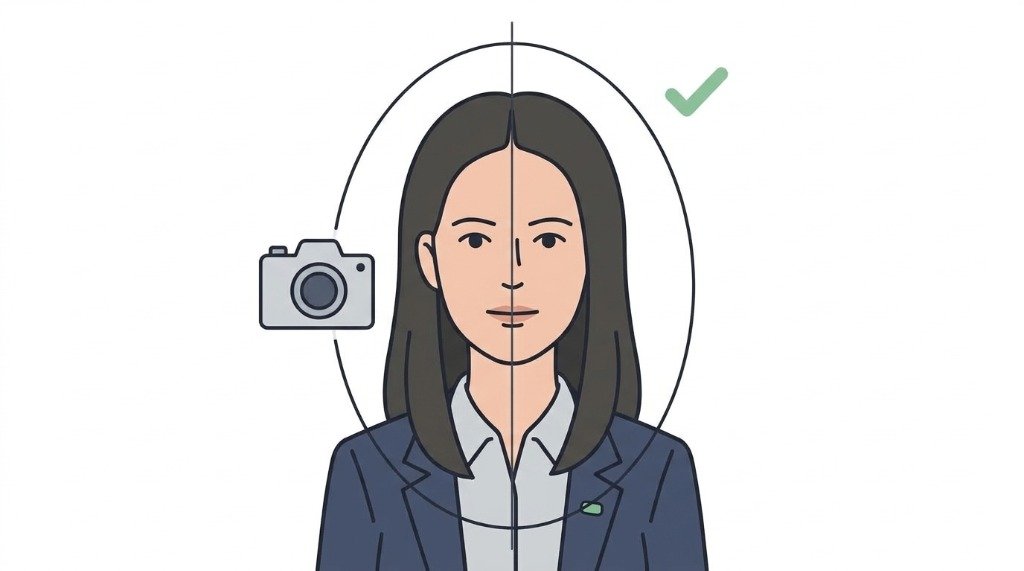
Keep your head straight and look directly into the camera lens at eye height.
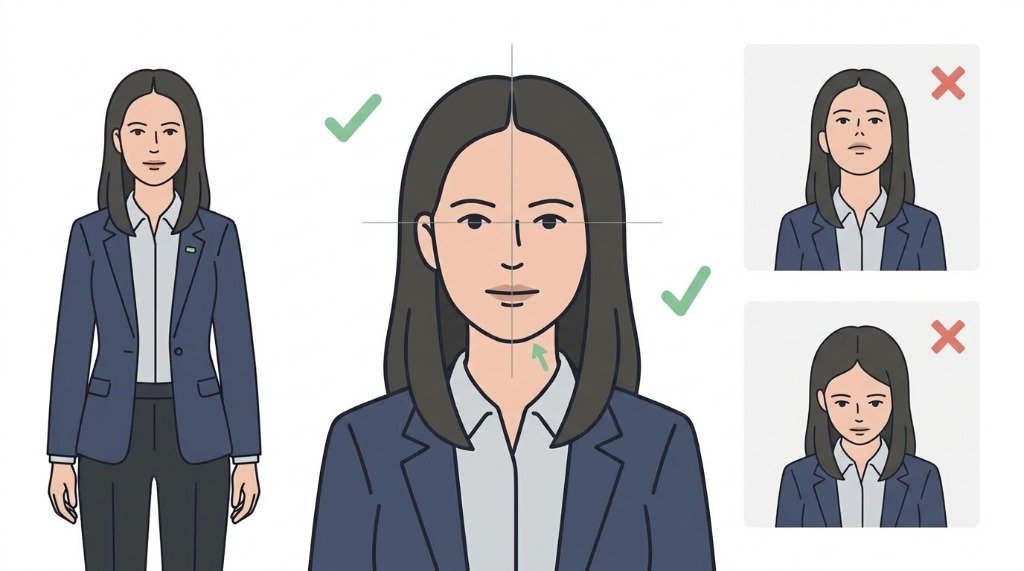
Keep your chin level and neutral. Avoid tilting your head up, down, or to the side.
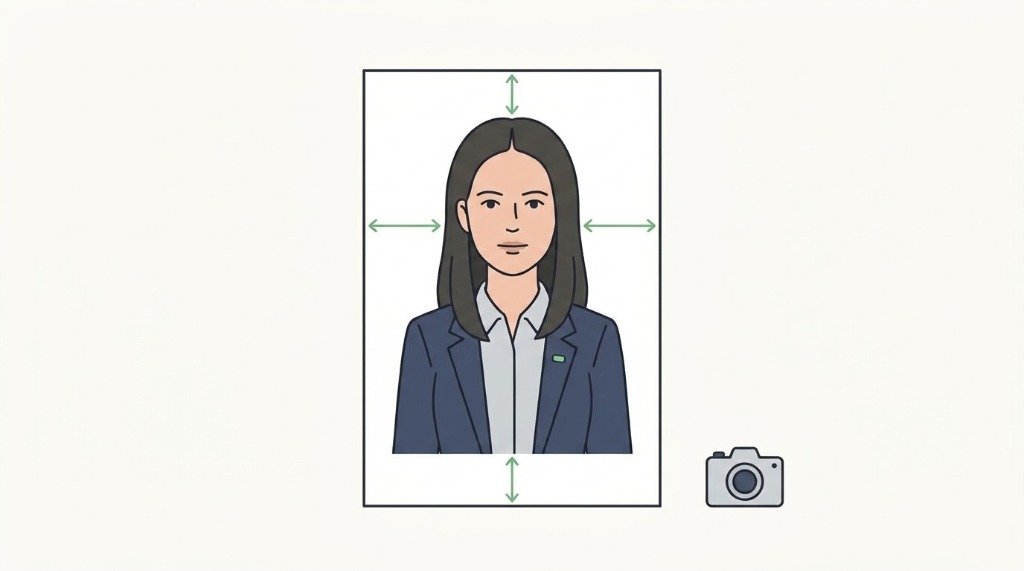
Keep your head and shoulders inside the frame with even space around all edges.
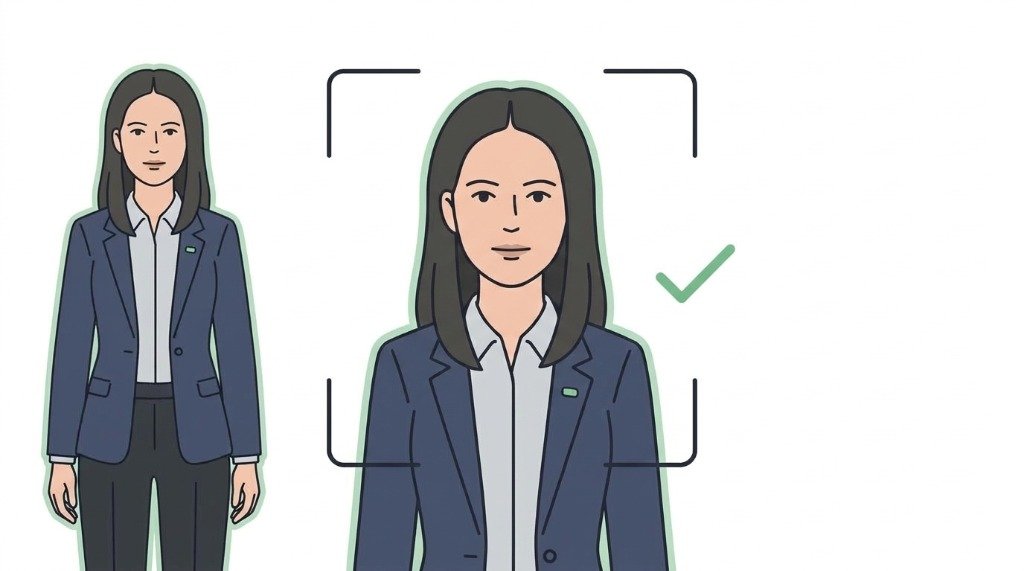
Turn off beauty filters and effects. Use a sharp, centered, unedited photo.
The tool processes the image in your browser. VizaPics stores rules and site content — not applicant photographs.
Requirements are referenced against published consular guidelines. Always follow your consulate checklist for destination-specific criteria.
The photo tool supports 60 destinations (with 61 published requirement guides). Technical specifications are calibrated across 20 biometric profiles, with 9 verified directly against official government sources (US, UK, Canada, Schengen Area, Australia, Japan, Singapore, India, and Standard 35×45 mm).
Everything you need to know about preparing visa and passport photos online.
Photo dimensions vary by destination. For example, the United States and India require 2×2 inches (51×51 mm), while the UK, Canada, Australia, and European Schengen countries require 35×45 mm. Select your destination in VizaPics to view published size standards calibrated for both digital upload and 4×6" print sheets.
Most consular and immigration authorities require a plain, uniform white or light grey background (e.g. Schengen, Japan). Note destination-specific rules: the UK requires plain cream or light grey; France allows light grey or light blue (white forbidden); Malaysia requires light blue and Indonesia requires red. We recommend taking your photograph in front of a flat, light, shadow-free wall. If needed, you can use our in-browser background tool to select a plain white, off-white, blue, or red background, and review the edges before downloading.
Almost all immigration authorities—including the US Department of State, UK HM Passport Office, and Schengen consulates—strictly forbid eyeglasses due to glare and lens reflections. You should maintain a neutral facial expression with your mouth closed, teeth covered, and both eyes open looking directly at the camera.
Digital applications (such as the US DS-160 online visa or India e-Visa portal) require a single JPEG file adhering to specific pixel dimensions and file size limits (e.g. under 240 KB). In-person submissions require physical prints. VizaPics allows you to download both a high-resolution individual JPEG crop and a printable 4×6 inch (10×15 cm) multi-photo sheet tiled with cutting guidelines at 300 DPI.
VizaPics operates client-side inside your web browser using HTML5 Canvas. Your photo is never uploaded, transferred, or stored on any server or third-party cloud. Once the page has loaded, the photo tool continues to work without an internet connection, except that the background tool downloads its model the first time it is used.
No. While VizaPics helps you prepare your crop, aspect ratio, framing, and printable layout following published government specifications, final acceptance is always decided solely by the embassy, consulate, or immigration authority reviewing your application. Always verify requirements against official government sources before submitting.
No photos are stored or used by this website. All image processing happens entirely in your browser. Your photos are never uploaded to any server and are discarded the moment you leave the page.
We do not guarantee any visa approval. VizaPics is a free tool designed to help you prepare a compliance-ready photo that meets the published specifications for your destination's visa application form. Final acceptance of your photo and visa application is solely at the discretion of the relevant embassy, consulate, or immigration authority.
Always verify the latest photo requirements directly with the official authority before submitting your application.