Canada Visa Photo: Size, Requirements & Free Maker
 Canada
CN Tower · Parliament Hill · Rocky Mountains
⚡ Quick Requirements Summary
✓ Consular VerifiedOfficial visa photo requirements for Canada require a printed physical size of 1.38 × 1.77 inches (35 × 45 mm) or a digital resolution of 420×540 to 1680×2160 px in JPEG format under 4 MB (4096 KB). The background must be plain white or light-coloured. VizaPics crops and formats your image directly in your browser with zero server uploads.
| Printed Size | Digital Resolution | Max File Size | Format | Background |
|---|---|---|---|---|
| 1.38 × 1.77 inches (35 × 45 mm) | 420×540 to 1680×2160 px | 4 MB (4096 KB) | JPEG | plain white or light-coloured |
Prepare Your Photo Online (100% In-Browser)
Take or upload your photo
Position yourself in front of a plain background with even lighting. Your photo stays in your browser.
📋 Official Biometric Requirements Table
| Requirement | Specification | Details & Consular Notes |
|---|---|---|
| Printed Dimensions | 1.38 × 1.77 inches (35 × 45 mm) | Official physical photo size for consular submissions. |
| Digital Resolution | 420×540 to 1680×2160 px | Required pixel resolution for online application portals. |
| File Format | JPEG | Standard digital file format. |
| Maximum File Size | 4 MB (4096 KB) | Upload limit for official portal submissions. |
| Background Color | plain white or light-coloured | Plain and shadow-free background. |
| Head Proportion | 31–36 mm (chin to crown (top of head)) | Head centered vertically within biometric guidelines. |
| Eyeglasses Policy | No eyeglasses allowed | Glasses prohibited to eliminate reflections and glare. |
| Photo Recency | Within the last 6 months | Must represent current physical appearance. |
📸 How to Take a Compliant Photo at Home
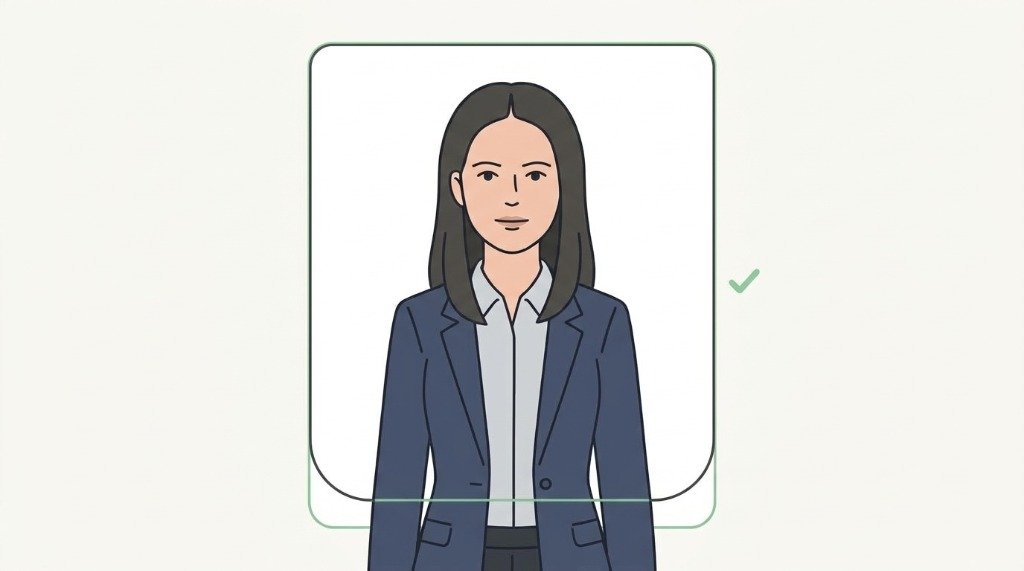
1. Plain Light Background
Stand in front of a flat, shadow-free wall. Avoid patterns, wallpaper textures, or objects.
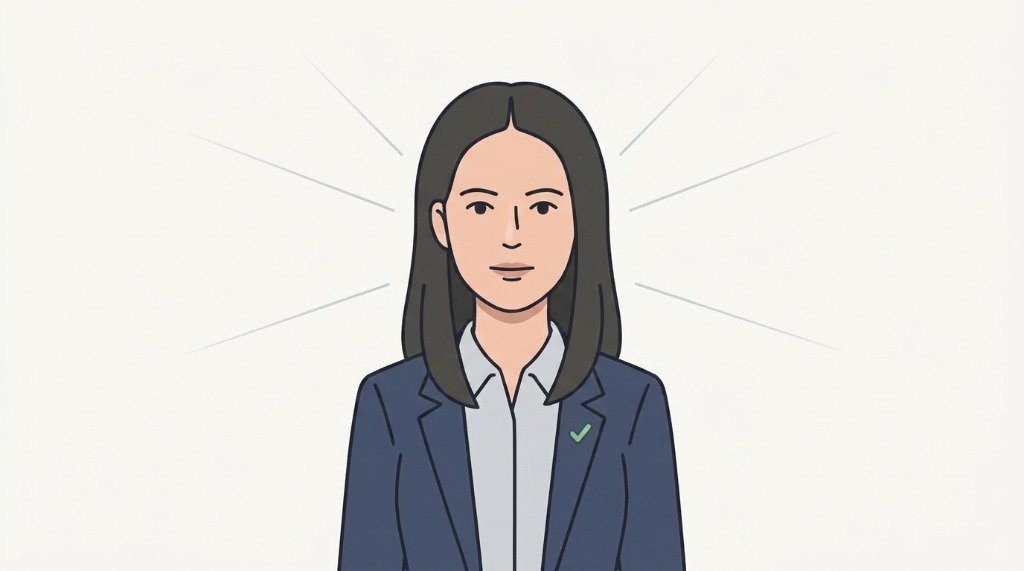
2. Even Lighting
Use natural daylight or diffuse front lights. Ensure zero harsh shadows under chin, nose, or eyes.
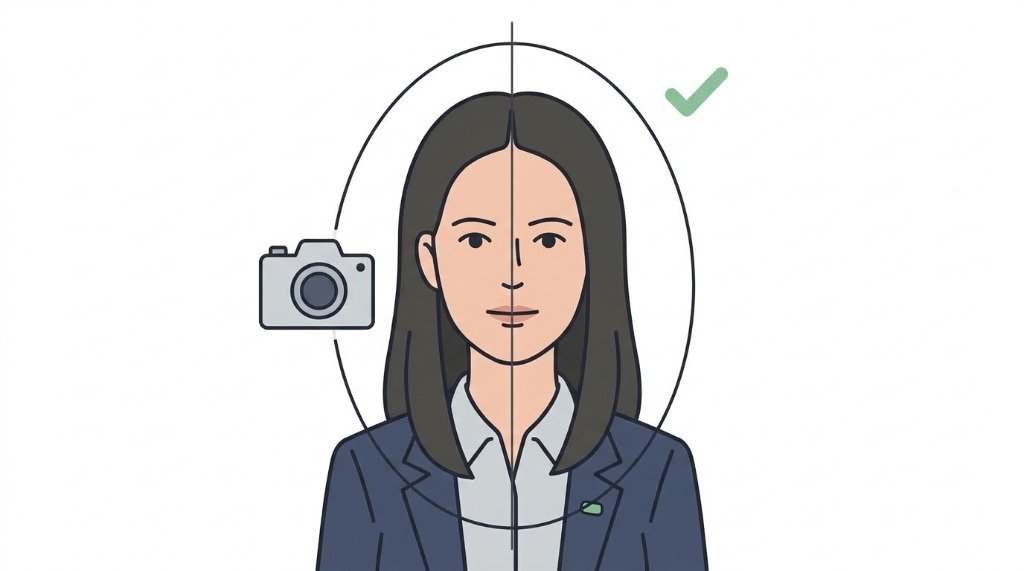
3. Face Straight Ahead
Look directly into the camera lens with your head and shoulders square to the frame.
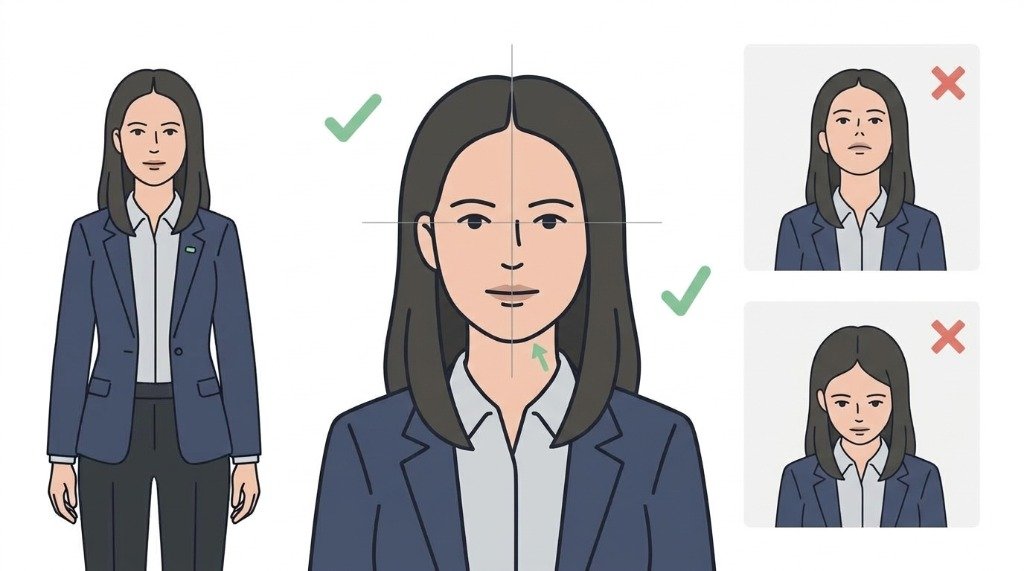
4. Level Chin & Open Eyes
Keep your chin natural and level. Do not tilt your head up, down, or sideways.
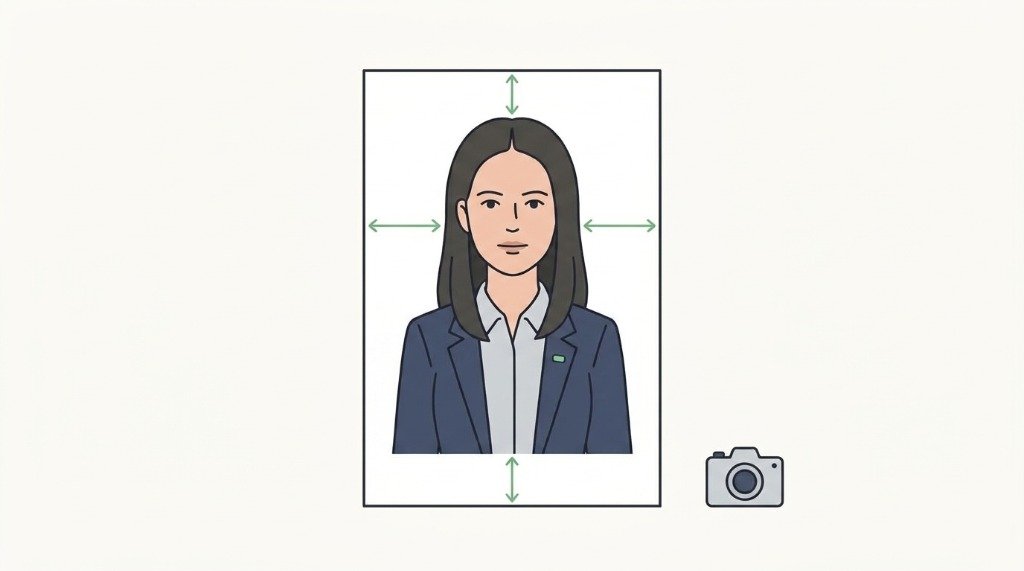
5. Neutral Expression
Maintain a relaxed, neutral facial expression with your mouth closed and teeth covered.
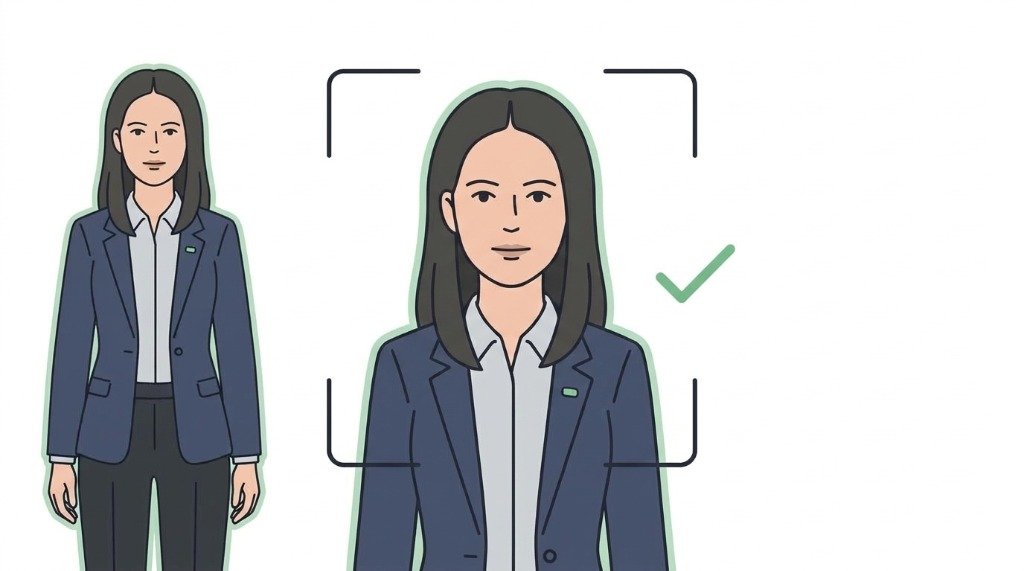
6. No Filters or Edits
Do not use beauty filters, skin smoothing, or retouching software. Let VizaPics crop the exact geometry.
⚠️ Common Rejection Reasons & How to Avoid Them
- ⚠️ shadows across face or behind shoulders
- ⚠️ head size smaller than 31 mm or larger than 36 mm
- ⚠️ dark or patterned background
- ⚠️ glare or reflection on eyeglasses
- ⚠️ smiling or open mouth expression
🖨️ Printing on a Standard 4×6" Photo Sheet
Embassies require original photographic paper prints rather than inkjet home paper. VizaPics generates a calibrated 4×6 inch (10×15 cm) printable photo collage with clean cut guidelines.
💬 Frequently Asked Questions
What is the official size for a Canada visa photo?
A Canada visa photo must measure 35 mm wide by 45 mm high (1.38 × 1.77 inches). The length of the face from chin to natural crown of head must be between 31 mm and 36 mm (1.22 to 1.42 inches). Digital uploads must have a minimum resolution of 420×540 pixels in JPEG format.
What background is required for Canadian visa photographs?
IRCC requires a plain white or light-coloured background. The background must be completely uniform with no shadows, patterns, or glare. Light grey or off-white backdrops are acceptable as long as they contrast with the applicant's hair and clothing.
Are glasses allowed in Canada visa photos?
Eyeglasses are permitted only if your eyes are clearly visible and there is zero glare, reflection, or frame obstruction. Tinted lenses and sunglasses are strictly prohibited. IRCC strongly recommends removing eyeglasses to avoid accidental biometric rejection.
What is the head measurement rule for Canada visa photos?
The head measurement from the bottom of the chin to the top of the natural head (crown) must be between 31 mm and 36 mm on the 45 mm tall photograph. This corresponds to approximately 68% to 80% of total vertical image height.
Can I prepare a Canada visa photo online for free?
Yes. VizaPics allows you to crop and format your portrait to Canadian 35×45 mm standards directly in your web browser. The entire process runs on your device, meaning your personal images are never uploaded to any remote server.
How many photos are required for Canada visa applications?
For digital applications submitted through the IRCC portal, only one high-resolution JPEG file is required. For paper submissions submitted through a Visa Application Centre (VAC), two identical physical photographs are required.
🏛️ Official Government Sources
The data on this page is verified directly against government and consular portals.