India Visa Photo: Size, Requirements & Free Maker
 India
India
Taj Mahal · India Gate · Qutub Minar
⚡ Quick Requirements Summary
✓ Consular VerifiedOfficial visa photo requirements for India require a printed physical size of 2 × 2 inches (51 × 51 mm) or a digital resolution of 350×350 to 1000×1000 px in JPEG format under 300 KB. The background must be plain white or off-white. VizaPics crops and formats your image directly in your browser with zero server uploads.
| Printed Size | Digital Resolution | Max File Size | Format | Background |
|---|---|---|---|---|
| 2 × 2 inches (51 × 51 mm) | 350×350 to 1000×1000 px | 300 KB | JPEG | plain white or off-white |
Prepare Your Photo Online (100% In-Browser)
Take or upload your photo
Position yourself in front of a plain background with even lighting. Your photo stays in your browser.
📋 Official Biometric Requirements Table
| Requirement | Specification | Details & Consular Notes |
|---|---|---|
| Printed Dimensions | 2 × 2 inches (51 × 51 mm) | Official physical photo size for consular submissions. |
| Digital Resolution | 350×350 to 1000×1000 px | Required pixel resolution for online application portals. |
| File Format | JPEG | Standard digital file format. |
| Maximum File Size | 300 KB | Upload limit for official portal submissions. |
| Background Color | plain white or off-white | Plain and shadow-free background. |
| Head Proportion | 25–35 mm (chin to crown (25–35 mm)) | Head centered vertically within biometric guidelines. |
| Eyeglasses Policy | No eyeglasses allowed | Glasses prohibited to eliminate reflections and glare. |
| Photo Recency | Within the last 6 months | Must represent current physical appearance. |
📸 How to Take a Compliant Photo at Home
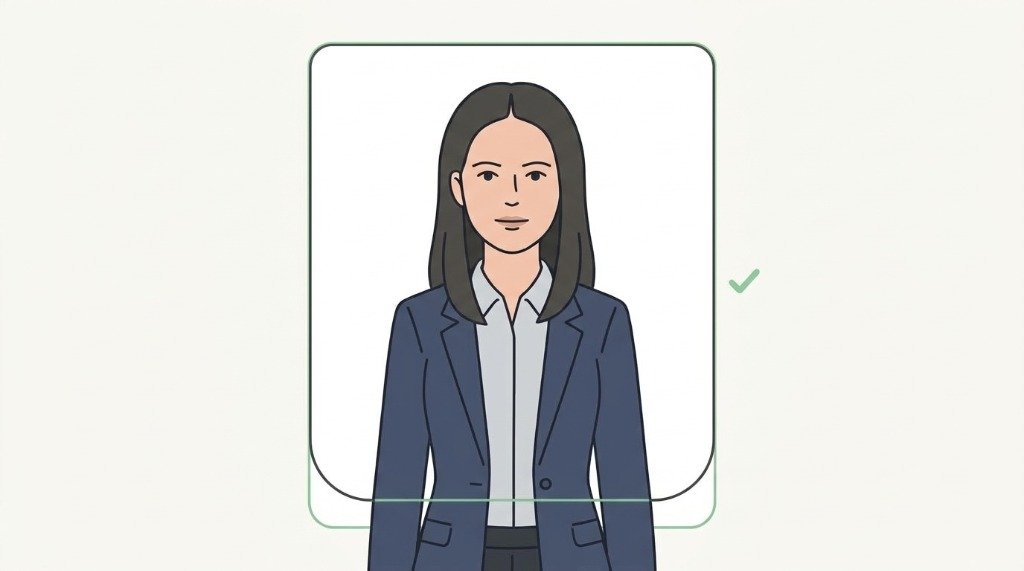
1. Plain Light Background
Stand in front of a flat, shadow-free wall. Avoid patterns, wallpaper textures, or objects.
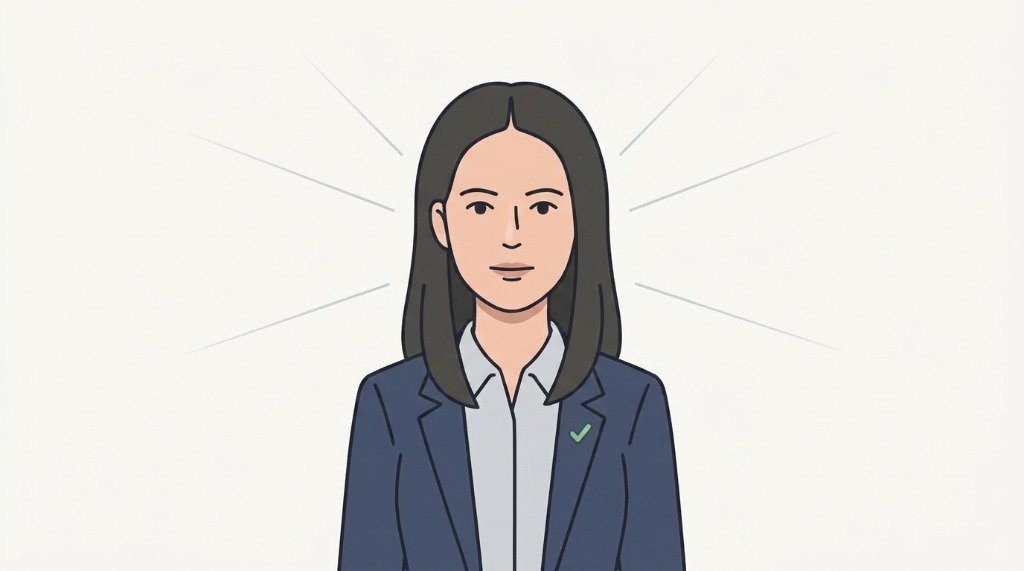
2. Even Lighting
Use natural daylight or diffuse front lights. Ensure zero harsh shadows under chin, nose, or eyes.
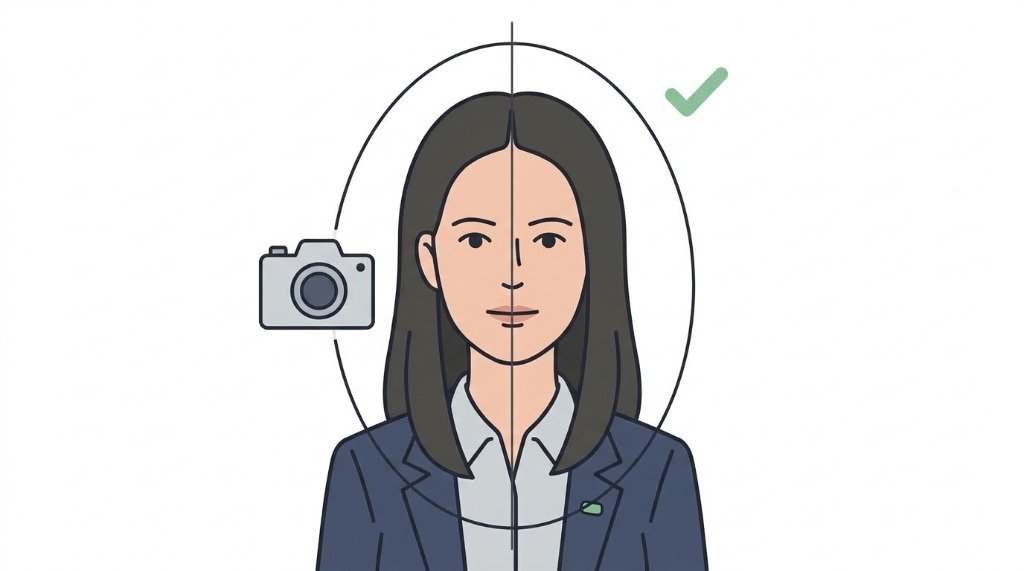
3. Face Straight Ahead
Look directly into the camera lens with your head and shoulders square to the frame.
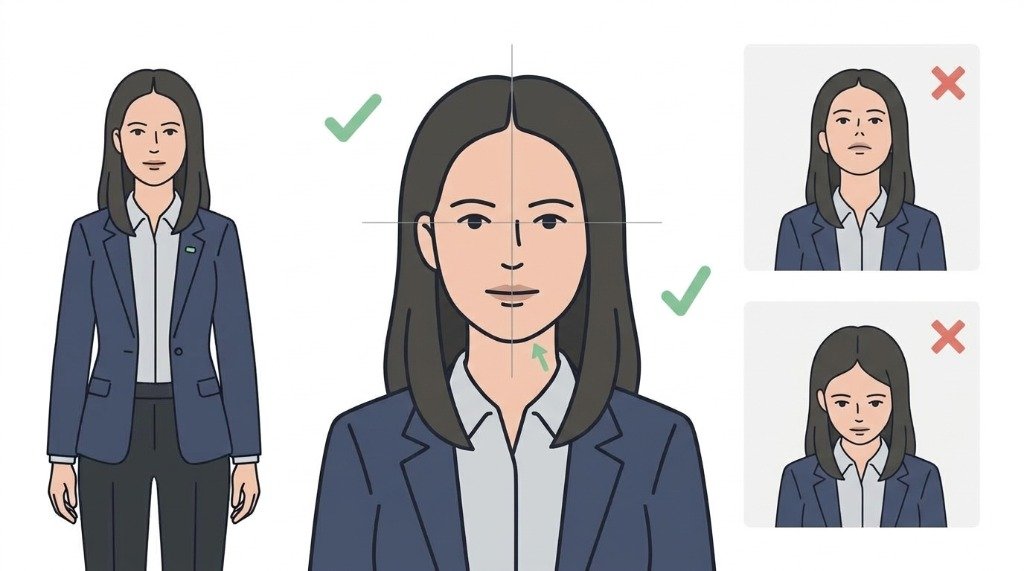
4. Level Chin & Open Eyes
Keep your chin natural and level. Do not tilt your head up, down, or sideways.
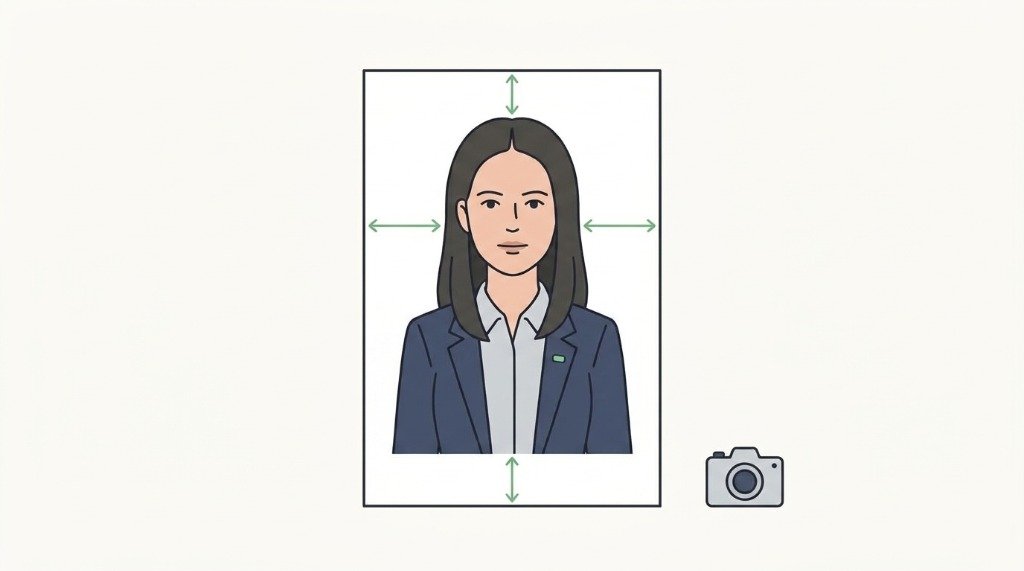
5. Neutral Expression
Maintain a relaxed, neutral facial expression with your mouth closed and teeth covered.
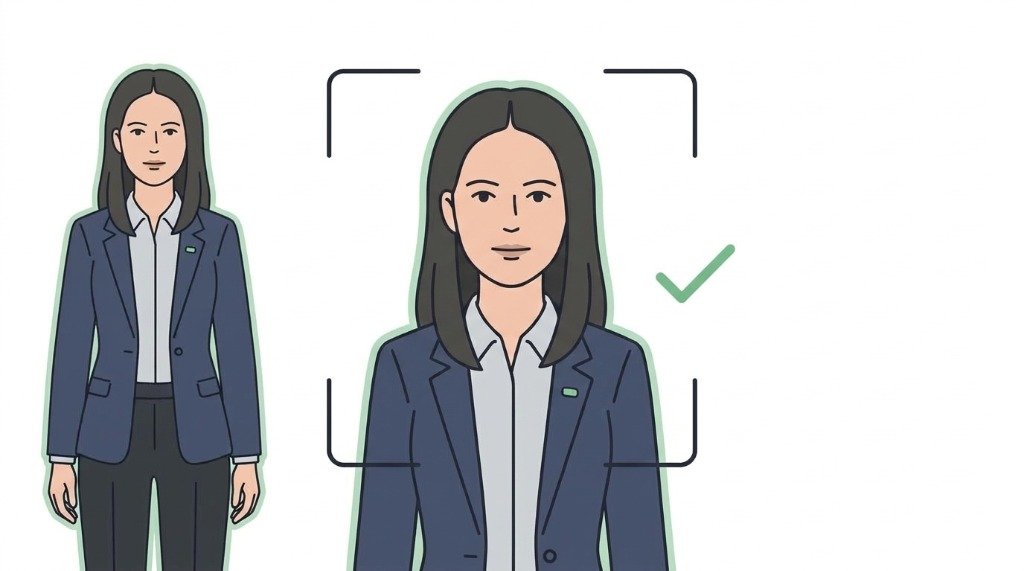
6. No Filters or Edits
Do not use beauty filters, skin smoothing, or retouching software. Let VizaPics crop the exact geometry.
⚠️ Common Rejection Reasons & How to Avoid Them
- ⚠️ non-square aspect ratio on digital e-Visa upload
- ⚠️ file size exceeds 300 KB or is smaller than 10 KB
- ⚠️ colored or shadowed background
- ⚠️ head not centered in the square frame
- ⚠️ blurry or heavily pixelated image
🖨️ Printing on a Standard 4×6" Photo Sheet
Embassies require original photographic paper prints rather than inkjet home paper. VizaPics generates a calibrated 4×6 inch (10×15 cm) printable photo collage with clean cut guidelines.
💬 Frequently Asked Questions
What size is an Indian e-Visa photo?
For Indian e-Visa online applications, the photo must be square with minimum dimensions of 350×350 pixels (up to 1000×1000 px) in JPEG format, between 10 KB and 300 KB in file size. Printed photos are 2×2 inches (51×51 mm).
What background is required for an Indian visa photo?
A plain white or off-white background with zero shadows is strictly required.
Can I wear religious headgear in an Indian visa photo?
Yes, religious headwear (such as turbans or hijabs) is permitted as long as the full face from forehead to chin is clearly visible.
Are glasses allowed for an Indian visa photo?
Glasses without glare or tint are permitted if worn normally, but removing them is recommended to avoid biometric rejection.
What file format is required for Indian e-Visa photos?
The file must be in JPEG (.jpg) format. Other formats such as PNG or PDF are not accepted for the photo upload step.
🏛️ Official Government Sources
The data on this page is verified directly against government and consular portals.